


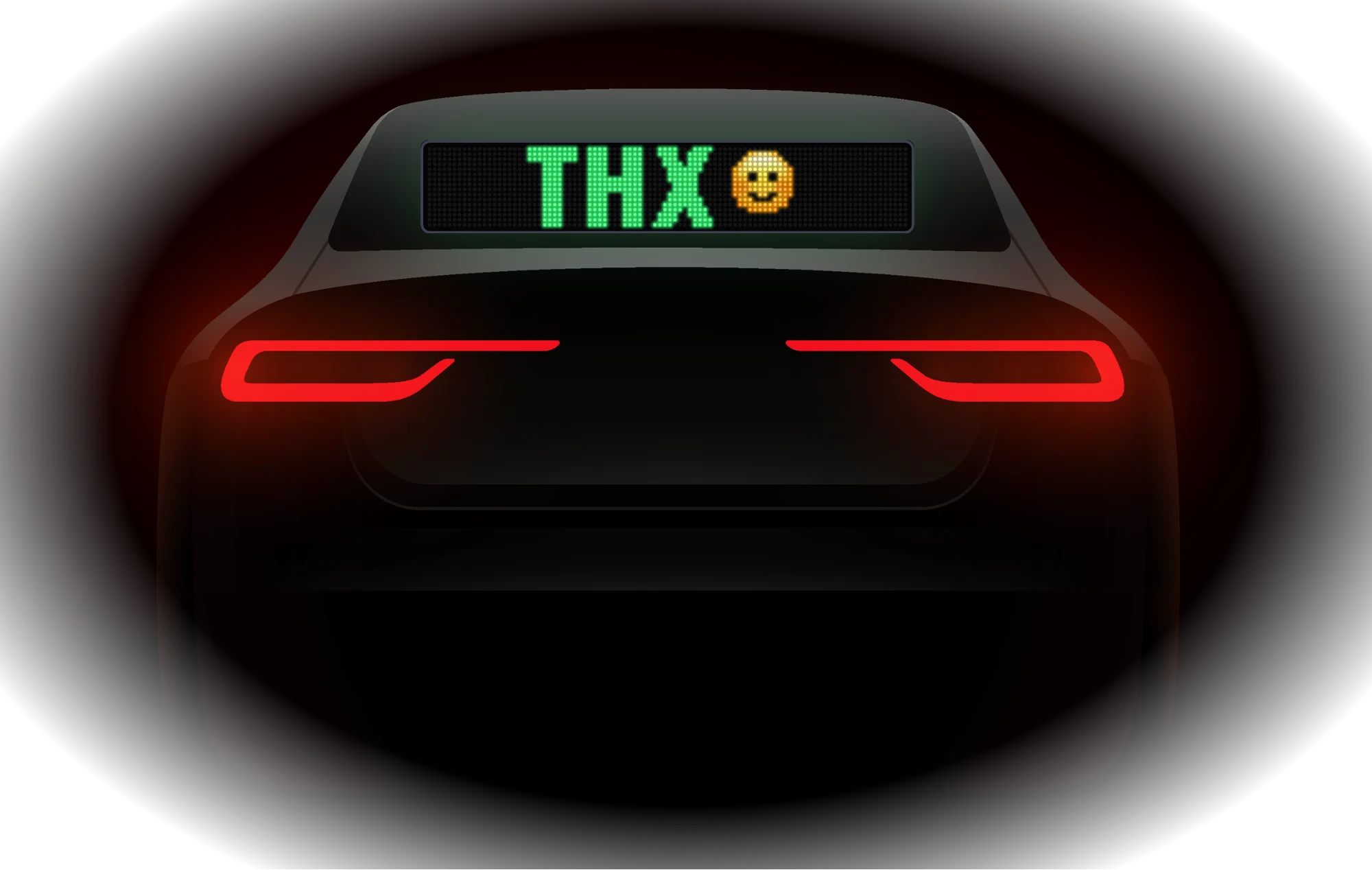
The app your sign
should have shipped with.
Bought a cheap LED sign online, and the app that came with it barely works? That's why RearSign exists. It connects on its own, tells you what your sign is actually showing, and doesn't make you fight it every time you get in the car.




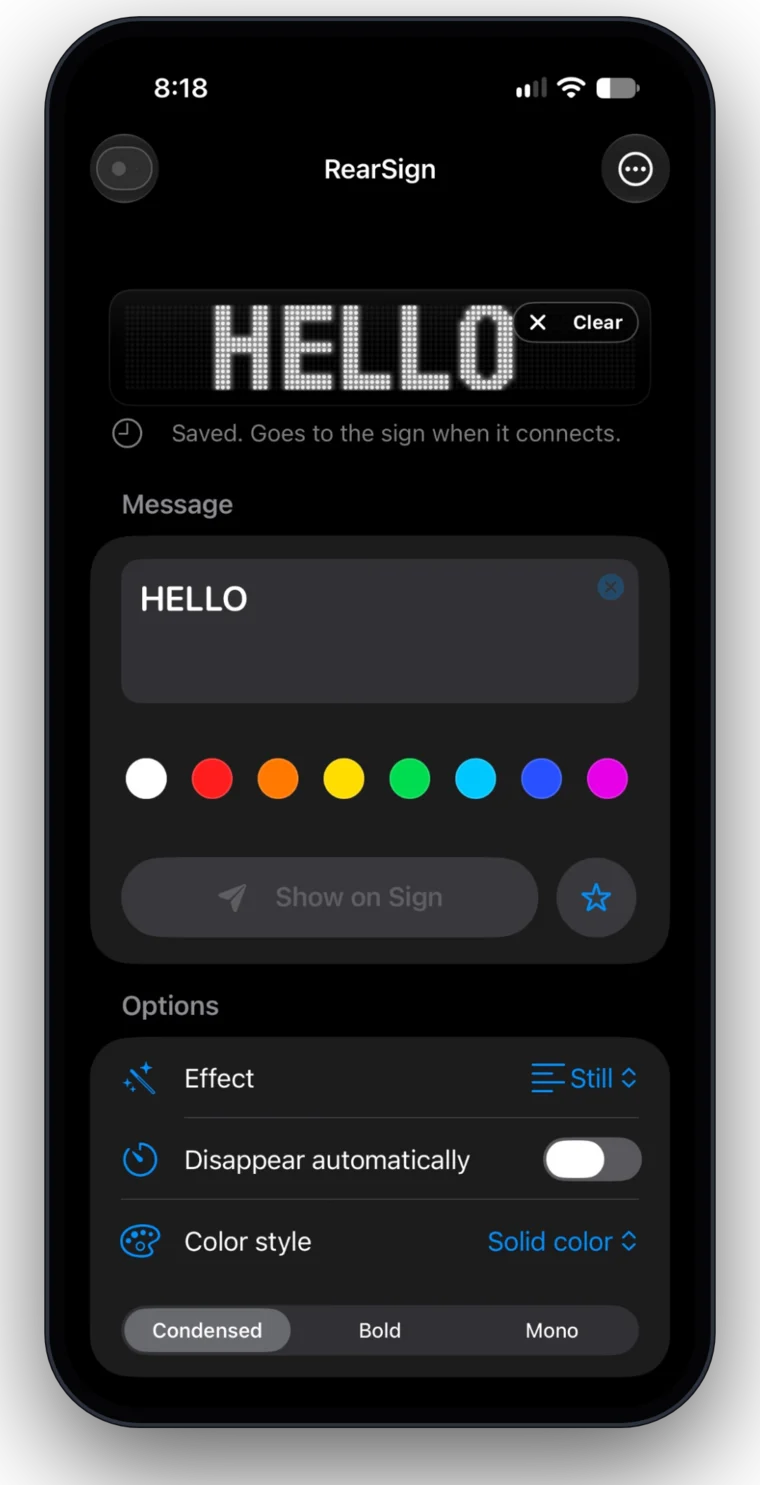
LIVE STATUS
Always know
what's on your sign.
See whether the sign is connected and exactly what it's showing, dot for dot.
- RearSign reconnects on its own when your car starts, even with the app closed.
- Every message is confirmed by the sign, so “on the sign” really means on the sign.
- Not connected? Your message goes out the moment the sign wakes up.
- Clear the sign with one tap.
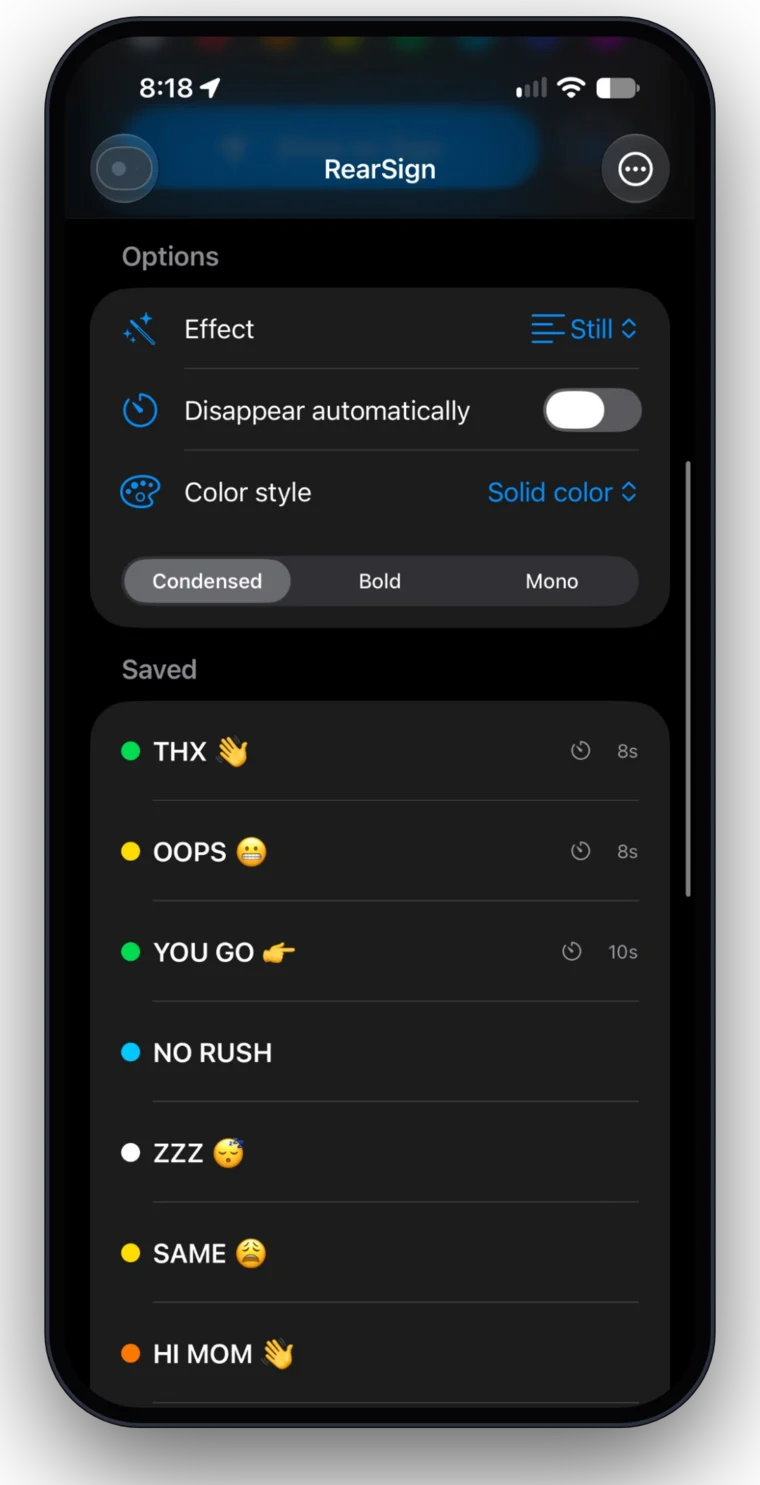
SAVED MESSAGES
Ready-made
for the road.
Funny, friendly messages are built in: THX, OOPS, YOU GO, NO RUSH, STUDENT DRIVER and more. Save your own with one tap.
- Full-height lettering that uses every row of your sign, in six fonts.
- Full-color emoji, plus icons like arrows, hearts and thumbs-up.
- A live dot-matrix preview that matches your sign pixel for pixel.
- Tap a saved message to show it, or ask Siri while you drive.
NEW IN 1.1
Signals
for the road.
Animated patterns in any color: arrows, sequential turn signals, merge, caution, a thanks wave and more.
Left Signal

Merge In

Thanks Wave

Go Ahead and Pass

Hearts

Rainbow Wave

Arrows, Thanks Wave and Hearts are free. The rest come with RearSign Pro.
Your own pictures, too. Put a photo or logo on your sign from Photos or Files, frame it, and see exactly how it'll look in lights.
NEW IN 1.1
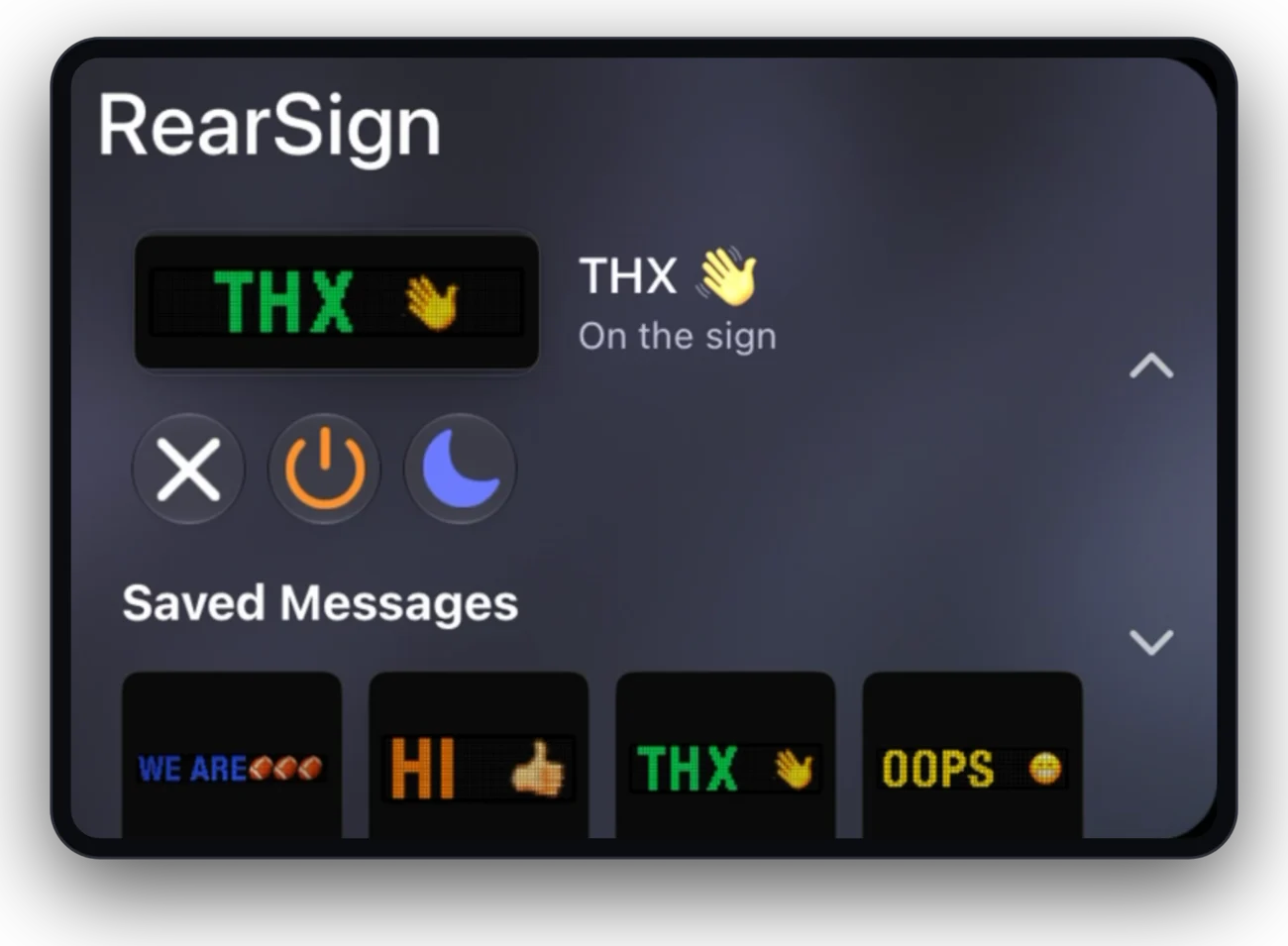
Now on CarPlay.
See what's on your sign, clear it, switch it off or dim it for night, and send saved messages and patterns with one tap from your car's screen.
- Clear
- On / Off
- Night mode
- Patterns
Hands free everywhere else, too
- Lock Screen and Dynamic Island, while the sign is connected.
- A Home Screen widget and a Control Center button.
- Siri: “Write on RearSign” or “Clear RearSign.”
Type and choose messages while you're parked. On the road, use CarPlay, Siri, the Lock Screen, the widget or your saved messages.
SEE IT IN ACTION
See it on
a real sign.
Twenty-seven seconds of RearSign driving a 96×16 sign in a rear window: typing a message, sending saved messages, and scrolling text with emoji. No audio.
OPTIONAL UPGRADE
Make it move.
Scrolling text, rainbow colors, a typewriter, snow and more come with RearSign Pro, an optional add-on inside the free app.
Scroll in any direction

Rainbow colors

Typewriter

Snowflakes

Disappear with a dissolve or wipe

PRICING
Free to download.
Pro if you want more.
RearSign is free on the App Store. Pro is a one-time $0.99 add-on you can unlock any time.
THE APP
RearSign
Free
Everything you need to run your sign.
- Live status: see what's on your sign, dot for dot.
- Text, emoji and icons in six fonts, plus a live preview.
- Ready-made messages, and your own saved with one tap.
- CarPlay, Siri, the Lock Screen, a widget and Control Center.
- Arrows, Thanks Wave and Hearts patterns.
- Your own photo or logo on the sign.
OPTIONAL UPGRADE
RearSign Pro
$0.99 one time
No subscription. Unlock it in the app from the ••• menu.
- Every pattern, not just the free ones.
- Effects: scroll in any direction, blink, breathe, snowflakes, typewriter and rainbow color styles.
- Disappear automatically: messages clear themselves after a set time, with a hide animation.
- Startup control: choose what the sign shows when your car starts. It's saved on the sign itself, so it works even without your phone.
Get RearSign.
Free on the App Store for iPhone. Requires iOS 18 or later.
Works with Bluetooth LED signs made for the iPixel Color app, sold under many brand names in many sizes, from long rear-window strips to square panels. RearSign reads each sign's size and adapts automatically. No accounts, no ads, no data collection. Check your local laws on illuminated displays in vehicles before use.
